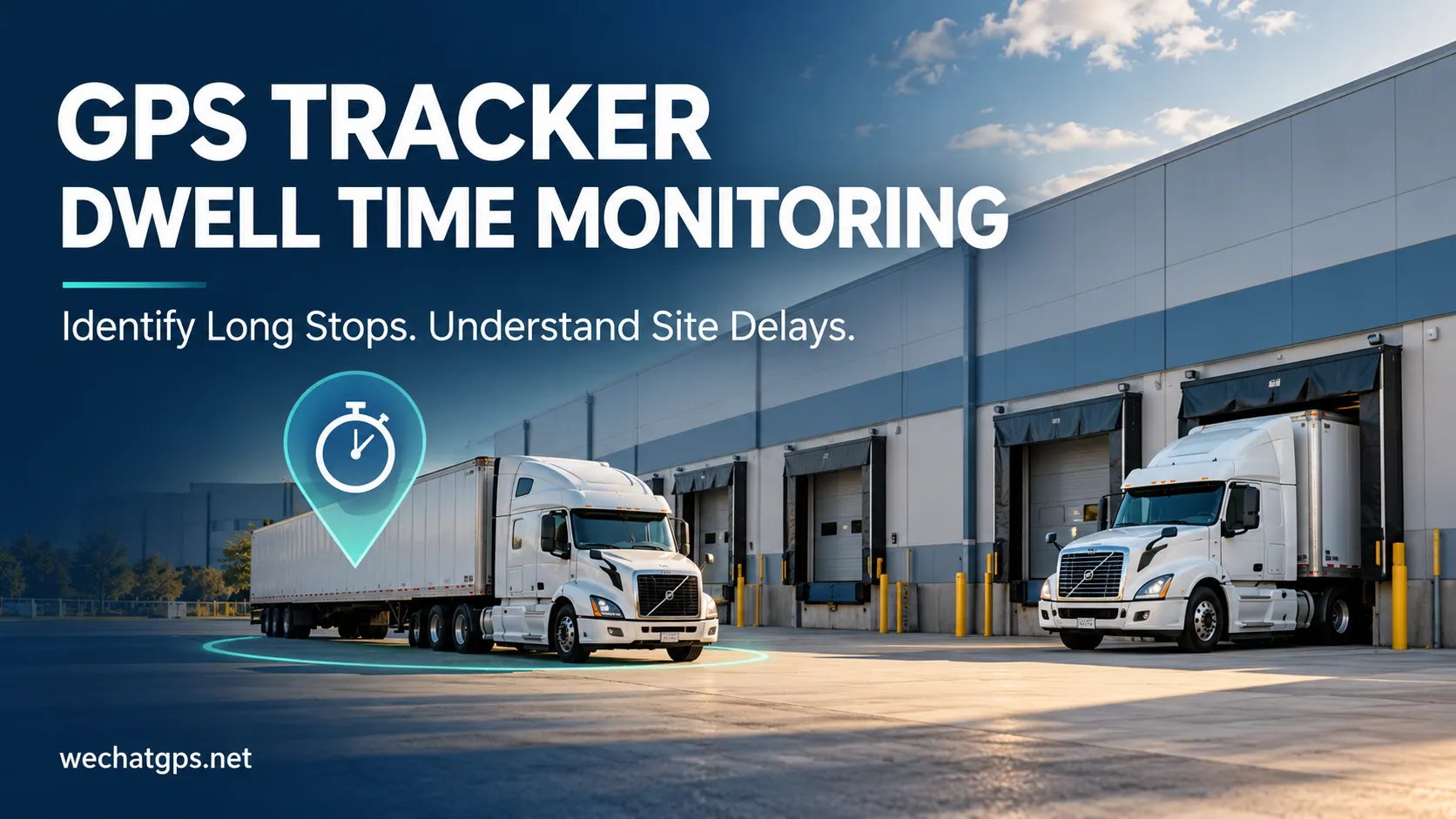
GPS Tracker Dwell Time Monitoring: How to Identify Long Stops and Site Delays
A delivery truck reaches a warehouse on schedule but leaves two hours later than expected. A service vehicle spends most of the afternoon at one customer location. A trailer remains in a distribution yard after its scheduled collection time.
A location map shows where these assets are. GPS tracker dwell time monitoring helps explain how long they remain there.
For fleet operators, logistics companies, and equipment managers, this information can reveal recurring delays, support customer service reviews, and improve daily scheduling. Useful results depend on clear monitoring rules, suitable reporting intervals, and a platform that handles location uncertainty correctly.
What Is GPS Tracker Dwell Time Monitoring?
GPS tracker dwell time monitoring measures how long a tracked vehicle or asset remains within a defined location or operating condition.
There are two common approaches.
Site-based dwell time measures the period between a confirmed arrival and departure at a defined area, such as a warehouse, customer site, depot, or construction project.
Stationary stop duration measures how long a vehicle remains approximately stationary, even when the location has not been defined in advance.
These measurements answer different questions. A truck can move between a warehouse entrance, waiting area, and loading bay while remaining within the same site. Its site dwell time continues even though it is not continuously stationary.
Choose the definition that matches the operational problem before configuring reports.
Why Dwell Time Matters for Fleet Operations
Long visits are sometimes necessary. Loading, inspections, customer appointments, and scheduled breaks all take time.
The purpose of monitoring is to identify visits that need explanation and locations where delays repeatedly occur.
| Application | What to measure | Operational value |
|---|---|---|
| Warehouse deliveries | Time between site arrival and departure | Identify recurring handling delays |
| Customer service visits | Visit duration at assigned locations | Compare schedules with actual visits |
| Distribution yards | Time trailers remain within the yard | Support collection and asset planning |
| Construction sites | Vehicle presence within project boundaries | Review deployment and availability |
| Fleet depots | Time between return and next departure | Understand vehicle turnaround |
Location records alone may not explain why a delay occurred. Dispatch notes, appointment schedules, and loading records provide the context needed to interpret the result.
How Does GPS Dwell Time Tracking Work?
A typical platform processes timestamped location records against a defined site boundary.
The basic calculation is:
Site dwell time = confirmed departure time − confirmed arrival time
For example, a truck enters a warehouse area at 09:10 and leaves at 10:05. Its recorded site visit lasts 55 minutes.
If the agreed visit threshold is 40 minutes, the visit exceeds that threshold by 15 minutes.
This is an illustrative configuration, not a recommended limit for every warehouse. Thresholds should reflect the type of visit, normal service duration, and operating agreement.
For projects using a 4G vehicle GPS tracker, confirm that the selected device supplies the location frequency and input data required by the proposed reporting rules.
Define Site Boundaries Around the Real Workflow
A boundary drawn around a building may exclude the entrance queue or loading yard. A boundary covering an entire industrial estate may include unrelated businesses and public roads.
Both choices can produce misleading visit durations.
Before creating a site, decide which stages should count:
- Waiting at the entrance.
- Security inspection.
- Movement through the yard.
- Loading or unloading.
- Waiting for departure authorization.
If the goal is to measure total facility time, the boundary should cover those relevant areas. If the goal is loading-bay occupancy, a broad GPS boundary may be insufficient; additional checkpoint or site-system data may be needed.
Nearby roads deserve particular attention. Passing traffic should not repeatedly create site visits.
Reporting Intervals Affect Timing Resolution
The tracking platform can only evaluate the observations it receives.
Suppose a device reports every five minutes. One record shows the vehicle outside a warehouse, and the next shows it inside. The actual entry occurred somewhere between those observations.
The same uncertainty applies to departure.
A report should therefore avoid presenting inferred arrival times as precisely observed events. Interpolation can estimate a crossing time, but it cannot replace a measurement.
Shorter reporting intervals can improve event timing resolution, with additional data traffic and potentially greater power consumption. Battery-powered trackers may also use sleep modes that reduce stationary updates.
Select a reporting strategy that matches the acceptable timing uncertainty.
Separate Dwell Time from Engine Idling
A vehicle can remain at a warehouse with its engine switched off. It can also idle while waiting outside the monitored boundary.
Dwell time and idling should therefore appear as separate measurements.
Where supported, combine location with ignition or engine-running information:
| Observed condition | Possible interpretation |
|---|---|
| Inside site, vehicle moving | Movement within the facility |
| Inside site, stationary, ignition off | Parked or waiting with ignition off |
| Inside site, stationary, ignition on | Possible idling; engine confirmation may be needed |
| No fresh observations | Current condition is uncertain |
ACC ignition status does not always prove that an engine is running. Projects requiring reliable engine-idling reports should confirm the available engine data and detection method.
Handle Position Uncertainty and Missing Records
GPS positions can vary because of signal blockage, reflected signals, satellite geometry, and receiver performance. Buildings and trees can affect positioning around operational sites. These limitations should inform boundary design and event validation.
A practical configuration can require consecutive valid observations or a minimum presence period before confirming arrival. Departure rules can use similar confirmation logic.
However, confirmation also introduces delay. The platform should document whether the visit starts at the first qualifying observation or when confirmation completes.
Communication gaps need separate treatment. If a tracker stops uploading while inside a warehouse, the platform should not automatically interpret silence as either a departure or continuous presence. Mark the visit as uncertain until sufficient evidence is available.
What Should a GPS Stop Duration Report Include?
A useful report should make each result easy to investigate.
Recommended fields include:
- Vehicle or asset identifier.
- Site name.
- Arrival and departure timestamps.
- Total visit duration.
- Configured duration threshold.
- Time above the threshold.
- Visit status: completed, ongoing, or uncertain.
- Relevant ignition information, where available.
- Data-gap indicators.
- Operator notes.
For completed visits, time above threshold can be calculated as:
Excess time = maximum of zero and (visit duration − configured threshold)
This figure is an operational metric. Whether any portion qualifies as billable detention depends on the applicable agreement and supporting records.
Test the Rules Before Fleet Deployment
Begin with a small pilot covering representative locations and visit types.
Include a normal visit, a long visit, a vehicle passing near the boundary, movement within the yard, and a temporary communication interruption.
Compare the generated report with independently recorded arrival and departure times. Review missed visits, false visits, timing differences, and notification delay.
Adjust boundaries and confirmation rules based on those results before applying the configuration across the fleet.
Build Dwell Time Monitoring Around Your Operation
A useful monitoring project connects suitable tracking hardware with clearly defined site rules and reporting requirements.
WECHATGPS provides vehicle and asset tracking products, alongside a white-label GPS tracking platform offering customization and integration options. Dwell-time reports, alert workflows, and connections to dispatch or warehouse systems should be confirmed within the agreed project scope.
When discussing your requirements, provide the vehicle quantity, site locations, expected visit duration, acceptable timing uncertainty, and required report fields. These details help establish a practical device configuration and platform workflow.
wechatgps.net Recommended Premium GPS Devices