
GPS Missed Departure Alerts: Know When Fleet Vehicles Have Not Left on Time
A delivery van should leave the depot at 7:30 a.m. A service vehicle needs to depart before its first customer appointment. A shuttle must start its route early enough to reach the next pickup point.
When a vehicle stays behind, dispatchers need time to investigate and adjust the plan.
A GPS missed departure alert helps identify vehicles that have not recorded a qualifying departure by a scheduled deadline. With suitable tracking hardware and platform rules, businesses can turn location updates into a practical dispatch check.
What Is a GPS Missed Departure Alert?
A GPS missed departure alert is a notification generated when the system cannot confirm that an assigned vehicle has left its starting location within an agreed time window.
The workflow combines three elements:
- A scheduled departure time.
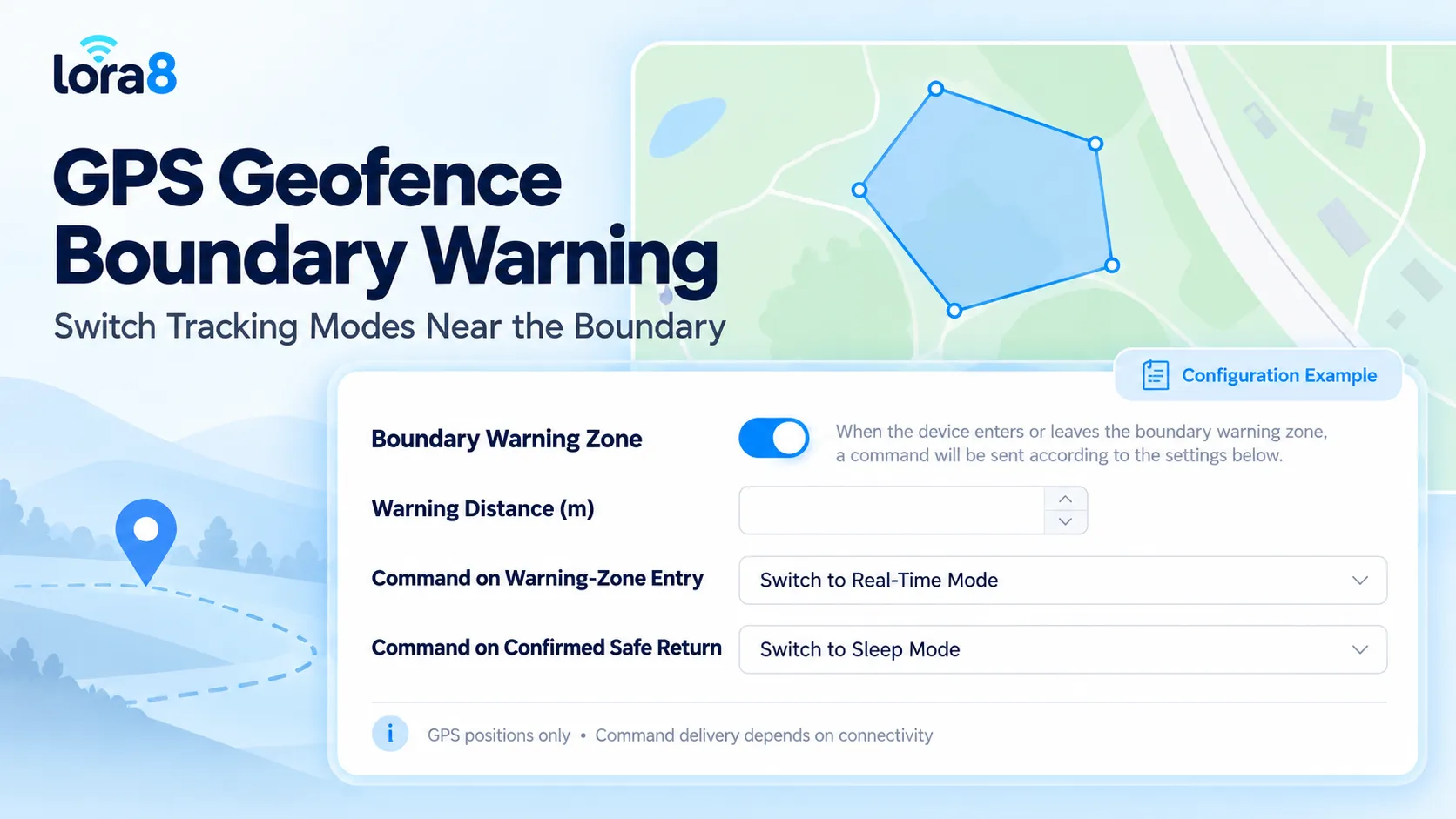
- A defined starting area, such as a depot geofence.
- Recent tracking data showing whether the vehicle has departed.
For example, a fleet may schedule departure for 7:30 a.m. and allow a ten-minute grace period. At 7:40 a.m., the platform checks whether a qualifying exit has been recorded.
If recent positions still place the vehicle inside the depot, the event can be flagged for dispatch review. If the tracker has stopped reporting, the system should identify a data problem instead of confidently declaring that the vehicle is late.
Define What Counts as Departure
Starting the engine does not necessarily mean a vehicle has left.
A driver may switch on the ignition while loading goods, checking paperwork, or waiting for access through a gate. Movement within a large yard may also occur before the actual trip begins.
A practical departure rule can use a valid position outside the depot boundary, supported by subsequent movement or additional position reports.
The exact rule should fit the site. A compact parking area and a large industrial yard may need different boundary sizes and confirmation settings.
ACC ignition information can provide useful context, but it should not replace a clearly defined departure condition.
Separate a Late Vehicle from Missing Tracking Data
A useful dispatch screen should distinguish different situations.
| Vehicle status | Suggested interpretation |
|---|---|
| Recent valid positions remain inside the depot | Departure appears overdue |
| A qualifying depot exit is recorded | Departure confirmed |
| Location reports are too old | Current departure status is unknown |
| Vehicle left before the scheduled window | Review whether the early departure belongs to this assignment |
| Assignment was canceled or reassigned | Update the schedule and suppress the obsolete alert |
This distinction prevents a communication interruption from being treated as a confirmed operational delay.
Display the latest location timestamp alongside the scheduled departure time so dispatchers can assess the evidence quickly.
Match Alerts to Real Operating Schedules
Departure monitoring should follow the assigned trip or shift.
A fixed daily rule may work for a regular shuttle, but delivery fleets often change vehicle assignments and departure times. Public holidays, workshop bookings, replacement vehicles, and canceled routes also affect the schedule.
A practical configuration should specify:
- Vehicle or assignment identifier.
- Starting depot.
- Departure date and local time.
- Grace period.
- Departure confirmation rule.
- Maximum acceptable age of tracking data.
- Responsible dispatcher.
- Approved exceptions.
For fleets operating across time zones, display the applicable time zone clearly.
Make Every Alert Useful to Dispatchers
“Vehicle late” provides little information on its own.
A more useful notification identifies the vehicle, assignment, planned departure, current status, and age of the latest location report.
For example:
Vehicle: Van 012
Assignment: Morning delivery route
Scheduled departure: 07:30
Review time: 07:40
Status: Recent location remains inside the depot
Latest position: 07:39
Next action: Contact the assigned team and confirm the departure plan
This is an illustrative notification format. Available fields and delivery channels depend on the platform configuration.
The dispatcher can then check loading progress, driver availability, vehicle condition, or assignment changes.
Test the Workflow Before Fleet Deployment
Start with a small group of vehicles and test normal operations alongside exceptions.
Confirm that an on-time departure closes the check correctly. Leave a vehicle inside the depot past the deadline and verify the notification. Then test a tracker that stops reporting, a reassigned trip, and a vehicle that exits and returns before its planned departure.
Also check delayed uploads. A departure recorded by the device before the deadline may reach the platform afterward. The system should preserve the event time and update the review status appropriately.
Agree how repeated alerts are handled so one unresolved departure does not overwhelm dispatch staff.
GPS Hardware and Platform Integration
The WECHATGPS 4G Vehicle GPS Tracker provides vehicle positioning, historical routes, and ACC ignition detection.
A scheduled departure workflow additionally requires platform logic that connects tracking records with depot boundaries, assignments, deadlines, and notifications. Confirm these functions for the selected deployment or include them in the customization specification.
Shenzhen Jinshengchang Technology Co., Ltd. provides GPS tracking hardware and OEM/ODM development services through WECHATGPS.
For a project assessment, share your fleet size, operating country, depot layout, dispatch schedule, reporting interval, and existing software integration requirements.
Frequently Asked Questions
Is a missed departure alert the same as a geofence exit alert?
No. A geofence exit alert reports a detected departure. A missed departure alert checks whether an expected departure has failed to occur by a deadline.
Can the system confirm a missed departure when the tracker is offline?
Without sufficiently recent data, it may not be able to confirm the vehicle’s current status. The platform should report missing tracking data separately.
Does ignition-on mean that the vehicle has departed?
No. Ignition status can support a review, but the vehicle may still be parked or loading.
Can departure schedules come from dispatch software?
They can if the agreed integration supports assignment and schedule updates. Specify vehicle identifiers, time zones, cancellations, and reassignment behavior before implementation.