GPS Tracker Replacement: How to Keep Vehicle History Connected
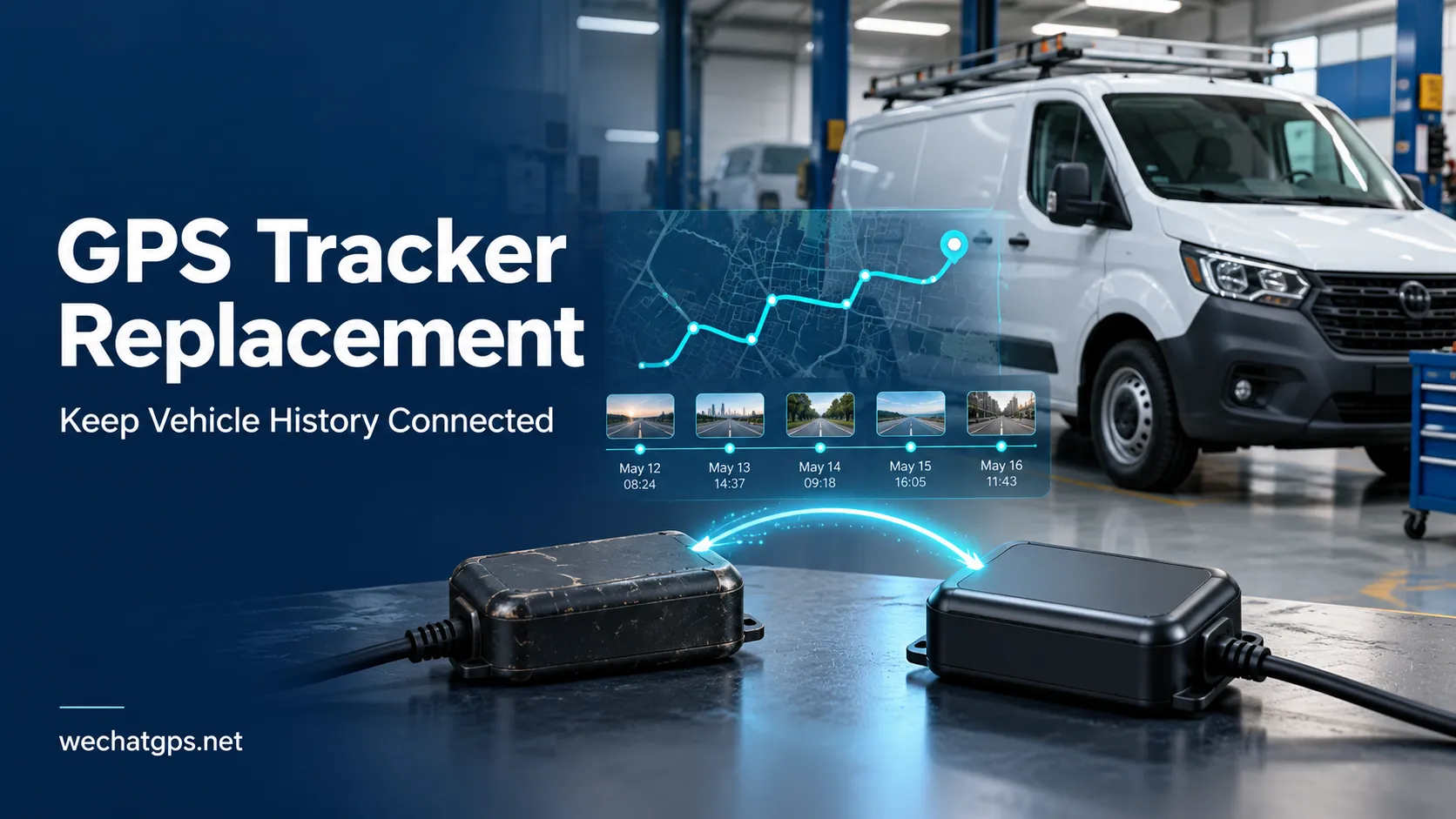
Replacing a vehicle GPS tracker involves more than removing one device and installing another. The fleet platform also needs to understand that the vehicle remains the same while its tracking hardware has changed.
Without a clear replacement process, operators may find two vehicle entries, missing route history, incorrect mileage totals or alerts still linked to the retired device.
A planned GPS tracker replacement helps keep vehicle records understandable and gives fleet managers confidence in the information collected after installation.
Keep Vehicle Identity Separate from Device Identity
A vehicle and its GPS tracker should have separate identities in the tracking system.
The vehicle record represents the operational asset: a delivery van, service truck or company car. The device record represents the hardware currently reporting its location.
Useful identifiers include:
| Record | Example information |
|---|---|
| Vehicle | Fleet asset number, registration and vehicle type |
| GPS tracker | Device serial number, protocol identifier and model |
| SIM | SIM identifier and service account |
| Assignment | Date and time the tracker was linked to the vehicle |
Where the platform supports this structure, replacing the tracker can update the hardware assignment while retaining the existing vehicle record.
If the platform stores history only under a device identifier, ask the provider how older records will remain accessible before making the change.
Review the Existing Record Before Removing the Tracker
Start by checking what information must remain available after replacement.
This may include historical routes, trip reports, geofence assignments, mileage baselines and maintenance records. Also review which users can access the vehicle and which people receive its notifications.
Export important reports if necessary, especially when moving to a different tracking platform.
Record the old device identifier, the vehicle identifier and the last valid report time. These details help distinguish a genuine data gap from the planned replacement period.
Avoid deleting the old device immediately. Depending on the platform, deletion may also affect access to its historical records.
Define a Clear Changeover Time
A replacement should have a recorded changeover time: the point at which the new tracker becomes the vehicle’s active reporting device.
For example, suppose a workshop replaces a tracker on a service van:
- The old tracker stops recording at 10:05.
- The technician installs and tests the new tracker.
- The new tracker is approved for operation at 10:40.
The vehicle record should show the installation gap rather than implying uninterrupted tracking.
Use a consistent time zone when recording the changeover. If the tracker and server store timestamps differently, confirm how the platform displays them.
Also consider delayed uploads. An old device may reconnect and send stored records after the new tracker is already active. The platform should associate those records with their original measurement times and historical assignment.
Preserve Mileage Baselines
A replacement tracker may start its own distance counter from zero. That does not mean the vehicle has traveled zero kilometers.
Before removing the old unit, record the relevant baseline values:
- Dashboard odometer reading.
- Existing platform mileage total.
- Date and time of each reading.
- Source used to calculate the platform’s distance.
These values may differ because GPS-derived distance and the vehicle’s odometer are different measurements.
Where the platform supports a starting offset, configure it according to the agreed mileage method. Keep the baseline and its source visible in the vehicle record.
Do not combine totals from different measurement methods without documenting the transition. A fleet moving from GPS-calculated distance to supported vehicle-data mileage should be able to explain that change in later reports.
Check Settings Instead of Assuming They Transfer
A new tracker may connect successfully while using different reporting settings from the old device.
Review the configuration required for the vehicle’s actual work:
| Configuration | What to verify |
|---|---|
| Moving reports | Update behavior during normal journeys |
| Parked reports | Reporting schedule when the vehicle is stationary |
| Ignition detection | Correct input source and on/off status |
| Geofences | Vehicle assignment and notification rules |
| Power alerts | Supported events and intended recipients |
| Time settings | Consistent reports across devices and users |
Some settings belong to the tracking platform; others belong to the device firmware. Reassigning the vehicle does not necessarily copy both.
If the replacement model uses a different communication protocol, verify how the server interprets its event codes and input fields. A field with a similar name may not have identical behavior.
Test the New Device Before Returning the Vehicle to Service
An “online” status confirms only part of the installation.
The technician should also verify that the new device reports fresh positions, identifies the correct vehicle and reflects supported ignition or power changes.
A practical acceptance check includes:
- Confirm the device identifier against the installation record.
- Check fresh outdoor location reports.
- Test supported ignition states.
- Complete a short route and review the resulting history.
- Trigger the alerts included in the project scope.
- Confirm that the intended user receives the notification.
- Record the installation result and approval time.
Test the device from its final mounting position. Reception observed before installation may differ from reception after it is fitted.
For a wired vehicle project, the 4G Vehicle GPS Tracker provides a starting point for evaluating positioning, route history and ACC ignition detection. Confirm compatibility with the intended platform before ordering replacement units.
Prevent Duplicate Vehicle Entries
Creating a new vehicle every time hardware changes can make fleet reports difficult to interpret.
Operators may see one entry containing older journeys and another containing current journeys. Scheduled reports may continue referencing the retired entry.
Where supported, retain the operational vehicle record and change its device assignment.
If the system requires a separate entry, define how staff will find the previous history. Use clear names, record the changeover date and check dashboards, reports and integrations that reference the old identifier.
For API integrations, distinguish the stable vehicle identifier from the replaceable device identifier. Business software should not have to treat a familiar vehicle as a new asset simply because its tracker was replaced.
Retire the Old Tracker Properly
After the replacement passes its checks, update the old device’s status.
Remove it from active vehicle assignments and review its notification rules. Manage its SIM service according to whether the unit will be stored, repaired or reused.
If the tracker will be installed on another vehicle, clear or reconfigure the previous assignment according to the platform’s supported procedure. Confirm how locally stored records are handled so they are not attributed to the next vehicle.
Keep historical access for the period required by the fleet’s recordkeeping policy.
Plan Replacement Requirements Before Buying
For larger fleets, replacement behavior should be part of the purchasing specification.
Ask the hardware and platform suppliers:
- Can a vehicle retain its history when its tracker changes?
- How are delayed records from the retired device handled?
- Can mileage baselines be retained or documented?
- Which settings must be applied to the replacement unit?
- Will existing reports and API integrations continue working?
- How is a reused tracker separated from its previous vehicle?
WECHATGPS offers vehicle tracking hardware and OEM/ODM development services. For a replacement project, share the existing tracker protocol, platform details, vehicle types, destination markets and required functions.
Hardware compatibility and historical-data continuity should be evaluated together. A successful replacement gives the fleet a working new tracker and a vehicle record that remains clear.
Frequently Asked Questions
Will replacing a GPS tracker delete historical routes?
Not necessarily. It depends on how the platform stores records and handles device removal. Confirm retention and export options before deleting or reassigning the old device.
Can the new tracker use the same SIM?
It may be possible if the SIM format, network service, device compatibility and account rules allow it. Check APN settings and any device-binding restrictions before reuse.
Does a new GPS tracker automatically continue the previous mileage total?
No. The platform may require a baseline or offset, and the measurement method must be confirmed. Record the existing readings before replacement.
Can an old tracker be reused on another vehicle?
Yes, if it remains suitable for the application. Update its assignment, configuration and stored-data handling before putting it back into service.