Shared GPS Tracking Badges: How to Manage Worker Assignment and Shift Handover
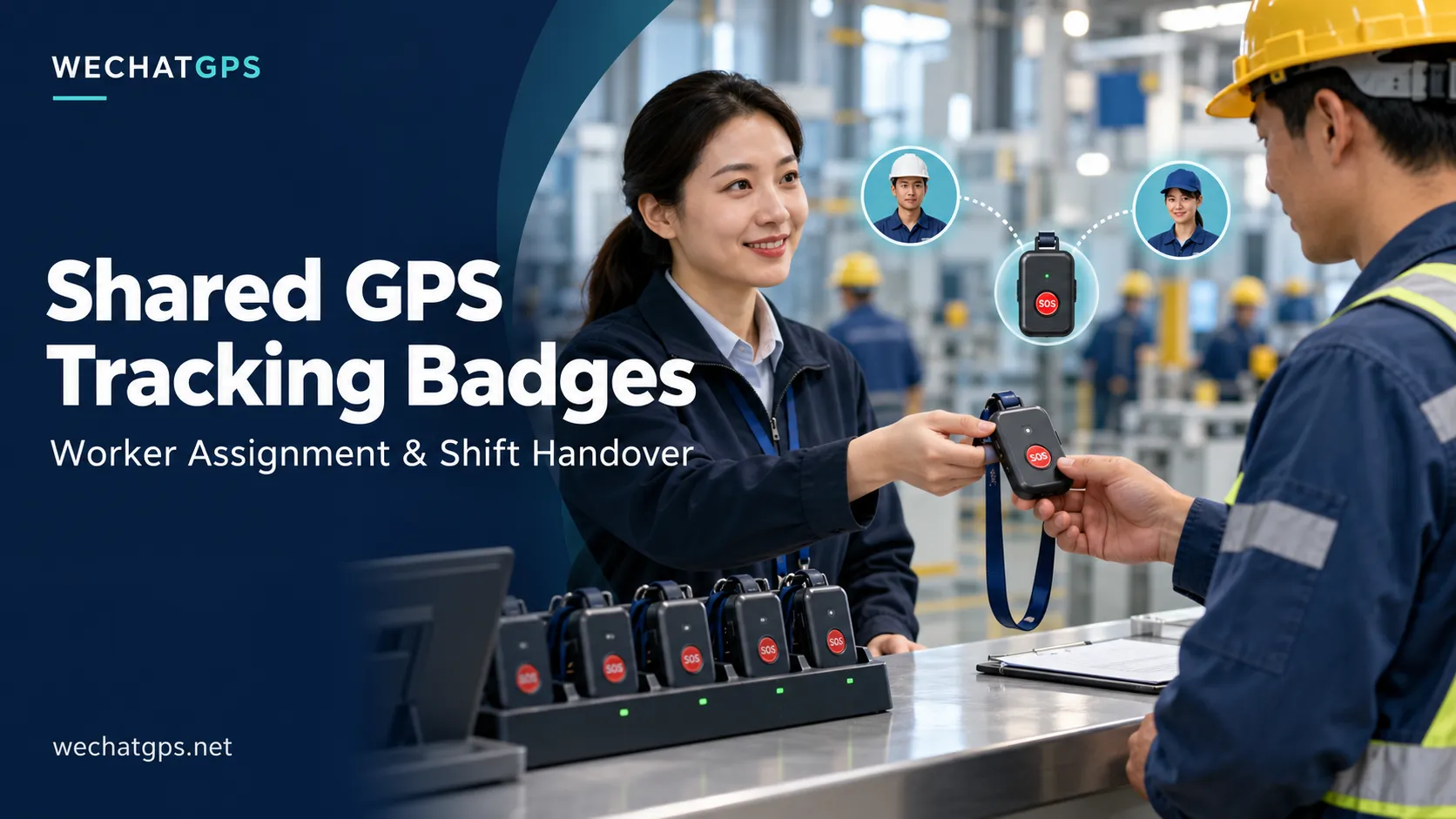
A GPS tracking badge may serve several workers during the same day. A security guard returns it after a night patrol, a maintenance technician collects it in the morning, and a contractor uses it during an afternoon inspection.
Sharing devices can reduce the number of badges a business needs. However, it creates an important management challenge: the platform must know who was carrying each device when a location or alarm was recorded.
Shared GPS tracking badges therefore need a clear assignment and handover process. Reliable personnel monitoring depends on connecting the device, worker and time period correctly.
What Are Shared GPS Tracking Badges?
Shared GPS tracking badges are wearable location devices issued to different workers for defined periods instead of being permanently allocated to one person.
They can be useful for:
- Security teams working rotating shifts.
- Factories with shared equipment stations.
- Maintenance departments with occasional field assignments.
- Construction projects employing temporary contractors.
- Industrial sites issuing devices to visitors.
- Seasonal operations where staffing levels change.
The badge keeps its device identity. The worker associated with it changes through an authorized assignment process.
This distinction should remain visible in both live monitoring and historical reports.
Why Device Identity and Worker Identity Must Be Separate
A device number identifies the hardware. An employee number identifies a person.
Treating them as the same field can create misleading records when devices are exchanged.
For example, Badge B-018 is assigned to Maria from 08:00 to 12:00 and to Daniel from 13:00 to 17:00. An SOS recorded at 10:15 should remain associated with Maria after Daniel receives the badge.
Renaming the device “Daniel” should not change the identity shown against earlier events.
A suitable platform design stores assignment periods alongside the original device records. Historical reports can then identify the worker assigned at the event time.
Build a Simple Badge Issue and Return Workflow
A practical workflow should be easy enough for supervisors to use during a busy shift change.
1. Identify the Worker
Select the worker from an approved personnel list or use a supported identification method.
Possible methods include an employee card, QR code or supervisor-assisted selection. QR, NFC and RFID workflows require the appropriate software and hardware configuration.
2. Identify the Badge
Scan or select the badge’s unique device number.
The system should check whether it is already assigned, unavailable for maintenance or awaiting charging.
3. Check Device Readiness
Before issuing the badge, confirm:
- Battery charge is suitable for the planned shift.
- The device has communicated recently.
- The SOS button and indicators are physically accessible.
- The enclosure and attachment are in usable condition.
- The intended alarm recipient or response team is configured.
An online status alone does not establish that the badge is ready for the entire assignment.
4. Record the Assignment
Save the worker, device, start time and issuing supervisor.
Where useful, include the worksite, team, shift or contractor company.
5. Close the Assignment at Return
Record the return time, inspect the badge and place it in the appropriate charging or maintenance location.
If a badge is missing, keep that condition visible instead of marking the return as completed.
What Information Should the Platform Record?
The following fields provide a useful starting point for an assignment register.
| Field | Purpose |
|---|---|
| Device ID | Identifies the physical badge |
| Worker ID | Identifies the assigned person |
| Assignment start | Establishes when responsibility begins |
| Assignment end | Establishes when responsibility ends |
| Site or team | Adds operational context |
| Issued by | Records the person completing the handover |
| Battery at issue | Supports readiness checks |
| Return condition | Records damage, faults or missing equipment |
For a single-wearer workflow, the platform should prevent overlapping active assignments for the same badge.
Corrections should also leave an audit record so supervisors can understand who changed an assignment and why.
Make SOS Events Traceable Through Shift Changes
An emergency can occur close to a handover. A device may also transmit a stored event after its connection returns.
For these situations, the platform should distinguish the time an event occurred from the time the server received it.
Where a trustworthy device timestamp is available, historical assignment matching should use the event time. If the time is uncertain or no assignment exists, the interface should flag that uncertainty.
An unassigned SOS still needs attention. The alarm screen should retain the device ID, available location and contact route for investigation.
For personnel projects, the Employee GPS Tracking Badge Solution provides a starting point for discussing wearable hardware, platform integration and project-specific requirements.
Organize Charging Around the Next Shift
Shared badges may have less charging time between users than permanently assigned devices.
A charging station should make device condition easy to recognize. Useful categories include:
- Ready to issue.
- Charging.
- Assigned.
- Awaiting inspection.
- Under maintenance.
- Missing or overdue.
The number of spare badges should reflect actual charging time, shift overlap and maintenance needs.
Before deployment, test battery performance under the intended reporting interval, network conditions and operating environment. A light-duty demonstration may not represent a full working shift.
Test the Handover Process Before Deployment
A pilot should check more than location reporting.
Assign one badge to two test users in sequence and verify that each user’s historical records remain separate. Trigger a test SOS during each assignment and check the identity displayed to the response team.
Also test an overdue return, an attempted duplicate assignment and an event uploaded after a simulated connection interruption.
These checks help reveal workflow problems before the system is used across a larger workforce.
OEM Development for Shared Personnel Tracking
A shared-badge project may require changes to the issue screen, employee import process, charging arrangement or alarm display.
WECHATGPS, operated by Shenzhen Jinshengchang Technology Co., Ltd., provides personnel tracking products and OEM/ODM development services. Customers can discuss their assignment workflow through the Custom GPS Tracker Development service.
A useful project brief includes the number of workers, simultaneous users, shift duration, worksite conditions, identification method and existing management software.
The goal is straightforward: when a location or alarm arrives, the team should be able to identify the device, determine its assigned user and follow the correct response procedure.