GPS Tracker Mileage Report: Why It Differs from the Vehicle Odometer
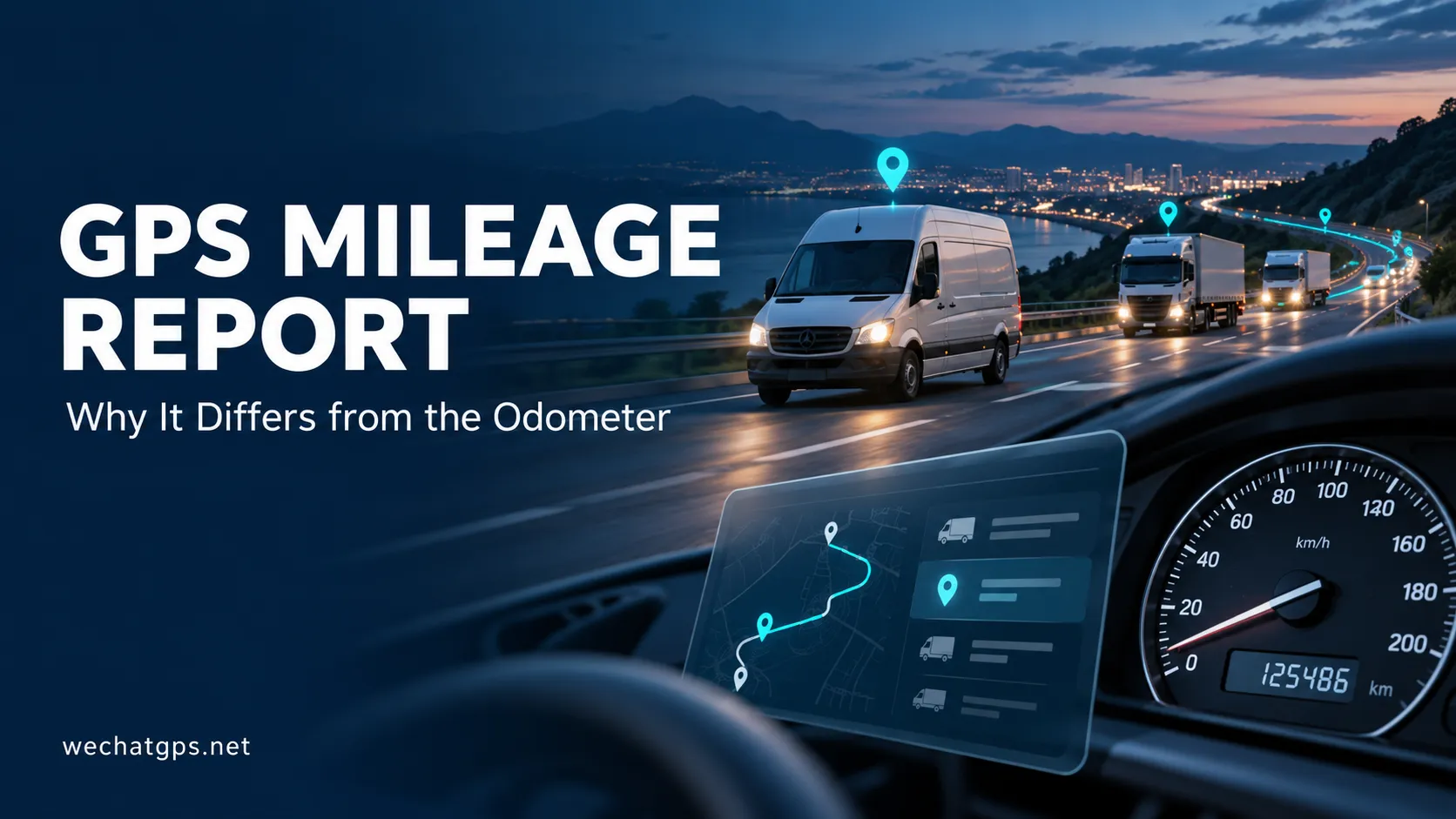
A delivery van finishes its working day. The dashboard shows 186 kilometers traveled, while the tracking platform reports 179 kilometers.
Which figure should the fleet manager use?
Before changing settings or replacing the tracker, identify how each system measures distance. A GPS tracker mileage report and a vehicle odometer may use different data sources, recording intervals and calculation rules.
Understanding those differences helps businesses produce more useful trip records, investigate missing distance and choose suitable hardware for their reporting requirements.
How Does a GPS Tracker Calculate Mileage?
A tracking system can calculate distance in several ways. Buyers should confirm which method their device and platform actually use.
| Distance source | How it works | What to verify |
|---|---|---|
| Platform-calculated GPS distance | The server adds distances between accepted location records | Recording intervals, filtering and treatment of missing points |
| Device-calculated GNSS distance | The tracker calculates accumulated distance locally | Calculation method, reset behavior and protocol units |
| Vehicle-reported distance | A compatible interface reads distance data from the vehicle | Vehicle compatibility, available data and integration requirements |
These values should have clear labels in the platform.
A server-calculated GPS total should not be presented as a reading taken directly from the vehicle dashboard.
Why Can GPS Mileage Be Lower Than Dashboard Mileage?
Location Records Are Too Far Apart
If the platform calculates distance by connecting recorded positions, widely spaced points can miss part of a curved road.
For example, a vehicle may follow several bends between two updates. A straight line joining those updates is shorter than the road actually traveled.
The relevant setting is the interval at which positions are recorded, which may differ from the interval at which data is uploaded.
A tracker that records frequently and uploads stored points in batches can behave differently from one that only obtains a position when it sends an update.
Parts of the Journey Have No Valid Position
Underground parking, tunnels and obstructed installation locations can create gaps in valid GNSS records.
The platform then needs a defined way to handle those gaps. It might leave the distance uncounted, connect the available points or use another supported distance source.
Each approach affects the result.
A report should make significant gaps visible so managers can distinguish incomplete tracking from a short journey.
Short Trips Are Excluded
Some platforms apply minimum trip duration, minimum movement distance or speed thresholds.
These rules can help reduce unwanted records, but they may also exclude legitimate movements around depots, customer yards or industrial sites.
For fleets making many short trips, review how the system starts and ends a journey before relying on daily totals.
Why Can GPS Mileage Be Higher Than Dashboard Mileage?
Stationary location drift can produce apparent movement even when a vehicle remains parked.
If the mileage calculation adds every small change in position, the accumulated distance may increase without actual travel.
Position outliers can also create unrealistic jumps. A single distant point may add substantial distance if the platform accepts it without checking the surrounding records.
Mileage processing should therefore evaluate position quality, timestamps and plausible movement. Filtering settings need testing: overly aggressive filtering can remove real low-speed travel.
Check Time Settings Before Comparing Reports
Two accurate reports can still disagree if they cover different periods.
A dashboard reading taken at 8:00 a.m. should be compared with a tracking report covering the same start and end times. A calendar-day report may include different journeys.
Check:
- The vehicle assigned to the tracker.
- The start and end timestamps.
- The report timezone.
- Whether late-uploaded records are included.
- Whether the selected report shows individual trips or a daily total.
For operations crossing midnight, define whether distance belongs to the calendar date, driver shift or complete journey.
What Should a Useful GPS Tracker Mileage Report Include?
A mileage total becomes easier to assess when the report shows how it was produced.
Recommended fields include:
| Report field | Operational purpose |
|---|---|
| Vehicle ID and tracker ID | Confirm the correct device-to-vehicle assignment |
| Reporting period and timezone | Establish the comparison window |
| Mileage data source | Distinguish GPS calculations from vehicle-reported values |
| Trip start and end times | Support journey review |
| Distance and units | Prevent kilometer-to-mile confusion |
| Significant tracking gaps | Highlight incomplete records |
| Data completion status | Identify reports awaiting stored records |
| Adjustment history | Preserve visibility when a baseline is corrected |
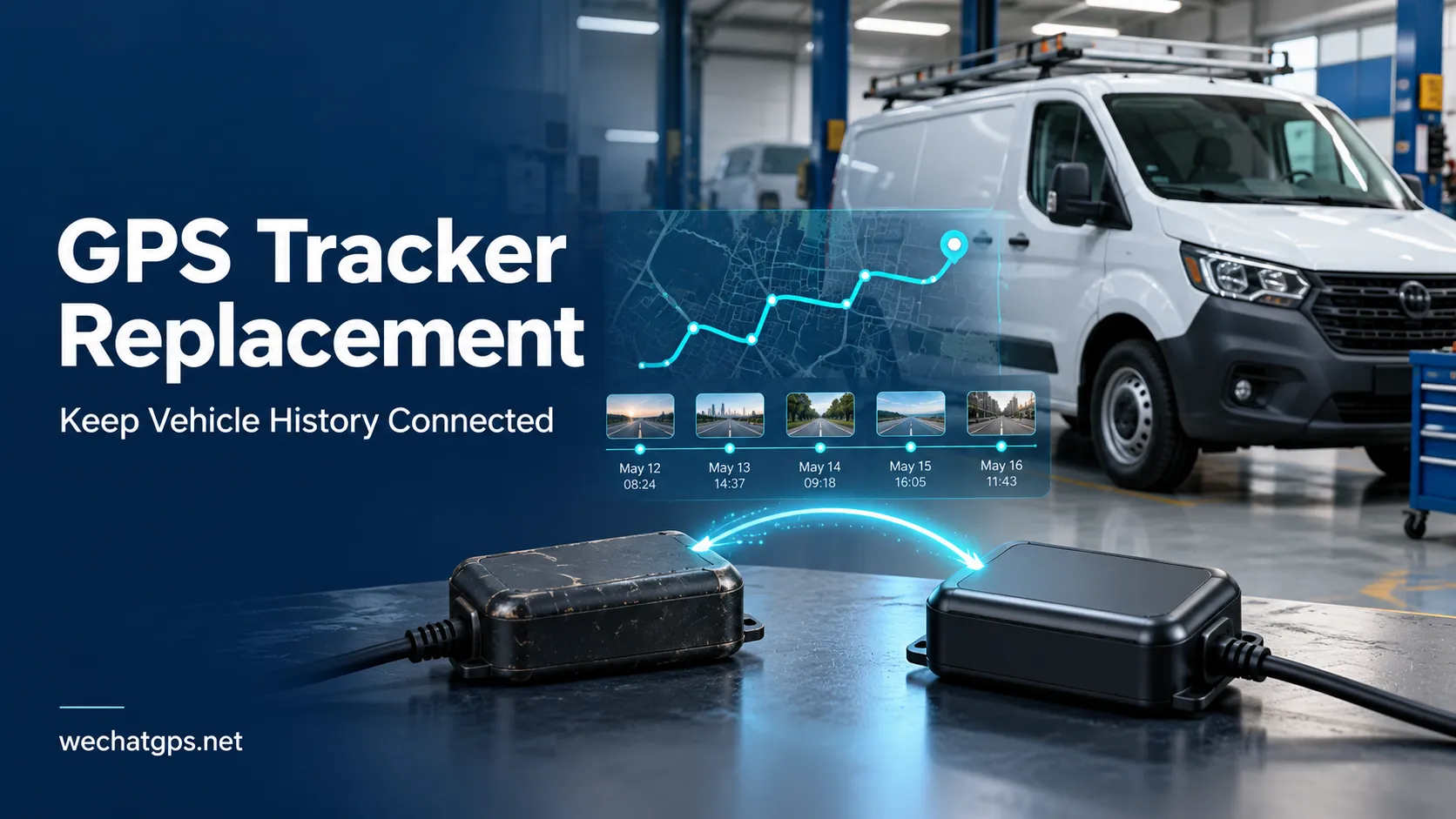
Keep a vehicle’s existing odometer baseline separate from the tracker’s accumulated distance.
Installing a new tracking device should not erase the vehicle’s previous operating history.
How to Validate Mileage Before Fleet Deployment
Use a pilot covering the conditions your vehicles encounter regularly.
Include an open-road journey, a route with frequent turns, short depot movements and a parked period. Add a route with known coverage interruptions if that reflects normal operations.
For each test:
- Record the vehicle’s dashboard reading before departure.
- Note the departure time and report timezone.
- Complete the route under the agreed tracker settings.
- Record the dashboard reading and arrival time.
- Allow stored tracking records to finish uploading.
- Export the corresponding mileage report.
- Review any difference together with the route history and data gaps.
An illustrative comparison:
- Dashboard distance increase: 200 km.
- GPS report distance: 194 km.
- Difference: 6 km.
- Difference relative to the dashboard reading: 3%.
This example explains the calculation; it does not establish a universal acceptance threshold. Agree on acceptable performance according to the intended use and reference measurement.
Investigate the cause before applying a fixed correction factor. A setting that compensates for one route may produce misleading results elsewhere.
Choosing a GPS Tracker for Mileage Reporting
For vehicles with a permanent electrical supply, a hardwired tracker is a practical option to evaluate for regular journey recording.
The 4G Vehicle GPS Tracker provides vehicle tracking, ACC monitoring and trip-reporting capabilities. Confirm the distance source, recording settings and platform calculation rules during product selection.
Where fuel analysis is also required, evaluate the Fuel Monitoring GPS Tracker. Distance and fuel records should cover matching periods before they are used together to calculate consumption.
If the project requires distance read directly from the vehicle, specify that requirement at the quotation stage. Vehicle data access depends on the selected hardware, interface and vehicle compatibility.
Frequently Asked Questions
Is GPS mileage the same as the vehicle odometer?
Not necessarily. GPS-derived distance and the dashboard odometer can use different measurement methods. Confirm the source shown in each report.
Will faster uploads always improve mileage accuracy?
No. Upload frequency and position-recording frequency are different settings. Sending data more often does not recover route detail that was never recorded.
Does losing cellular coverage always mean losing mileage records?
No. A suitably configured tracker may continue recording locally and upload stored data after reconnection. Verify both storage capacity and how the platform processes recovered records.
Can mileage reports support maintenance planning?
Yes, provided the distance source and baseline are suitable for the task. Maintenance schedules may also depend on elapsed time, engine hours and operating conditions.
Define the Mileage Requirement Before Ordering
A useful GPS tracker mileage report starts with a clear specification: what distance is being measured, where the data comes from and how the result will be used.
For a WECHATGPS fleet project, share your vehicle types, operating routes, reporting requirements and whether dashboard-distance integration is necessary. Use the pilot results to confirm the hardware and reporting configuration before expanding deployment.