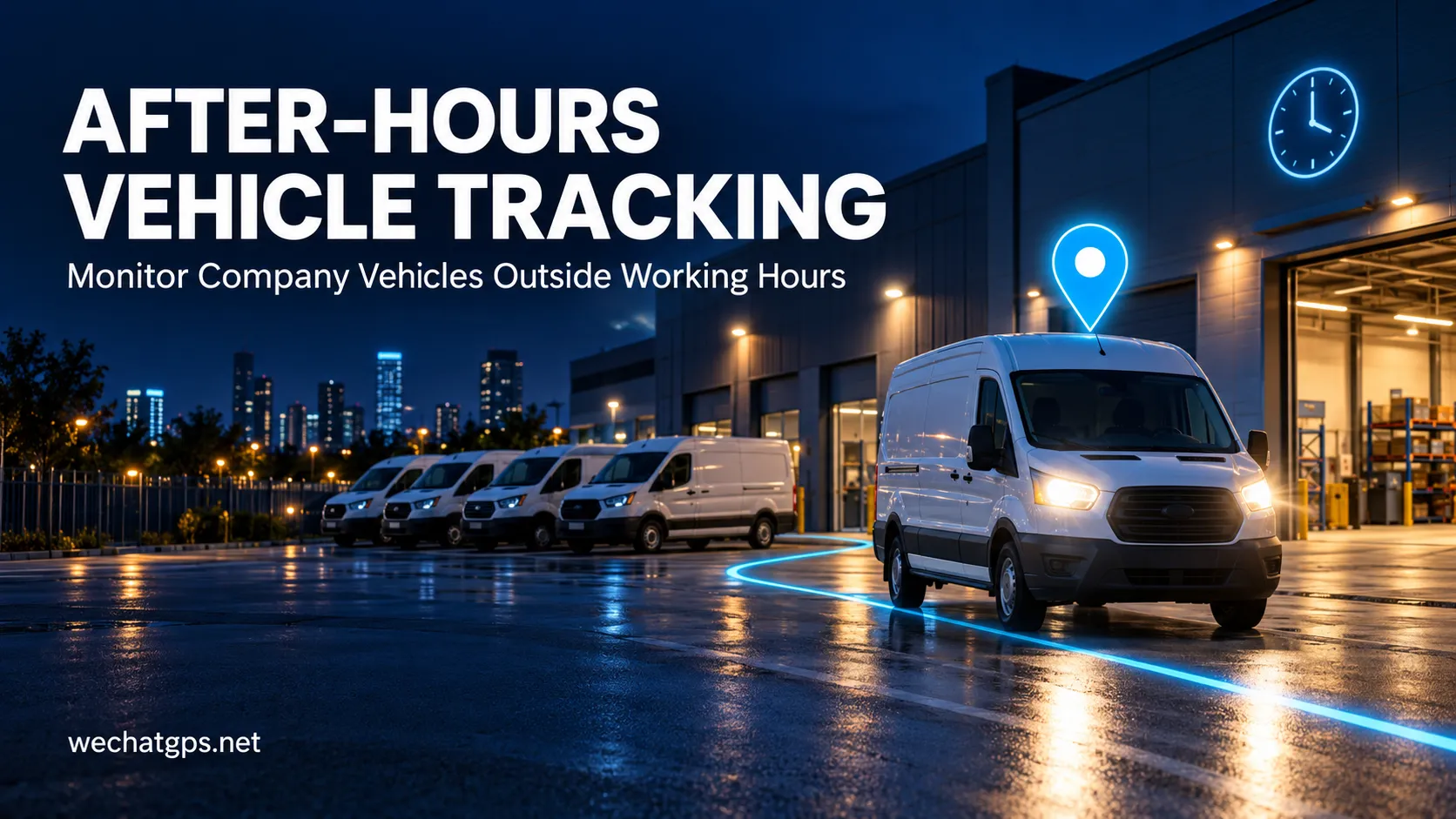
After-Hours Vehicle Tracking: Monitor Company Vehicles Outside Working Hours
A company van leaves its parking area late at night. A service truck records a journey on a scheduled rest day. A vehicle starts its engine several hours before an approved assignment.
These events deserve attention, but they do not automatically indicate unauthorized use. Emergency callouts, overtime and changes to shift schedules can all explain unexpected activity.
After-hours vehicle tracking helps fleet managers identify these events and review them with the right context. By combining GPS records, ignition information and operating schedules, businesses can build a clearer picture of when company vehicles are being used.
What Is After-Hours Vehicle Tracking?
After-hours vehicle tracking is the monitoring of vehicle activity outside approved operating periods.
A standard location map shows where a vehicle is. An after-hours monitoring workflow also asks whether that activity matches the vehicle’s assigned schedule.
For example, a business might define normal operation as Monday to Friday, from 8:00 a.m. to 6:00 p.m. Movement outside that period becomes a candidate for review.
The tracker provides location and vehicle status data. The platform or an integrated business system applies the schedule, identifies relevant events and presents them to an operator.
This distinction matters when selecting a solution: a tracker with GPS and ignition detection does not automatically include configurable after-hours alerts.
Which Data Makes an Alert Useful?
A useful alert should provide enough information for a manager to decide whether action is needed.
GPS Location and Movement
Location records help establish where the vehicle travelled and whether it left its expected parking area.
A single position change should be interpreted carefully. Position uncertainty can make a stationary vehicle appear to move. Rules should consider sustained movement, suitable distance thresholds or other supporting signals.
Ignition Status
A correctly installed ACC input can indicate when the ignition is switched on or off.
Ignition activity and vehicle movement answer different questions. A vehicle may remain stationary with its ignition on, while a vehicle being transported may move with its ignition off.
Using both signals helps operators understand the event.
Work Schedules
Schedules define when operation is expected. They may differ by vehicle, team, depot or day of the week.
Overnight shifts require particular care because one approved working period can extend across two calendar dates.
Parking Locations
A depot or approved overnight parking area adds location context.
For example, a fleet may prioritize events where a vehicle both moves outside working hours and leaves its assigned parking zone. Brief activity inside a maintenance yard may require a different response.
How to Set Up an After-Hours Monitoring Workflow
1. Define Approved Operating Periods
Start with actual fleet operations.
Record normal working hours, weekend assignments, overnight shifts and vehicles used for emergency response. Confirm the correct time zone for each operating area.
A single company-wide schedule may be unsuitable for a fleet with several depots or different service teams.
2. Select the Activity That Should Trigger Review
Choose a trigger that matches the business requirement.
Examples include:
- Ignition switched on outside an approved schedule.
- Sustained movement during a restricted period.
- Departure from an assigned depot after closing time.
- A trip continuing beyond the approved operating window.
These are possible rule designs. Confirm which combinations the selected platform supports before deployment.
3. Allow for Approved Exceptions
An authorized late delivery should not create the same follow-up process as unexplained vehicle use.
Provide a way to record overtime, temporary assignments and emergency callouts. Where supported, exceptions should apply to a defined vehicle and time period, with an expiry time.
4. Route Alerts to the Responsible Person
Assign notifications to the team that can respond.
A depot supervisor may review local vehicle activity, while an overnight dispatcher handles emergency service vehicles. Confirm available notification methods and escalation options with the platform provider.
5. Test Normal and Unexpected Scenarios
Before applying the rules across the fleet, test a small group of vehicles.
Include an approved evening trip, an unexpected departure, a stationary ignition event and an overnight shift. Check whether the event time, notification time and displayed time zone are correct.
Also test what happens when cellular coverage is temporarily unavailable. A delayed record should remain distinguishable from a live event.
Avoid Treating Every Alert as Misuse
An alert is a request for review, not a final conclusion.
Unexpected activity can result from a schedule change, workshop movement, incorrect time-zone configuration or delayed data delivery.
Managers should compare the event with dispatch records and approved assignments before deciding what happened.
Where driver identification is unavailable, the record establishes activity associated with the vehicle or tracker. It does not independently establish who was driving.
What Should an After-Hours Vehicle Report Include?
A practical report should connect each event with its operational context.
Useful fields include:
- Vehicle registration or asset ID.
- Assigned depot or team.
- Applicable operating schedule.
- Event start and end time.
- Ignition status, when available.
- Start location and destination.
- Recorded travel distance and the calculation method.
- Device event time and platform receipt time.
- Approved exception or assignment reference.
- Review status and supervisor notes.
Keeping event time separate from receipt time is especially useful when a tracker uploads records after reconnecting.
For recurring reviews, group events by vehicle or depot to identify patterns that need attention. Repeated alerts may reveal either unexpected vehicle use or a schedule configuration that needs adjustment.
Applications Across Different Fleets
Field Service Vehicles
Maintenance and installation businesses can compare evening vehicle activity with approved callouts and overtime assignments.
Delivery Fleets
Dispatch teams can review trips that begin before scheduled departures or continue after the final planned delivery.
Company Cars
Businesses can review activity against their stated vehicle-use policy, including any approved personal-use arrangements.
Rental and Project Vehicles
Operators can compare recorded activity with agreed operating windows. The monitoring rules should reflect the actual rental or project terms.
Choosing a GPS Tracker and Platform
A suitable solution needs both reliable vehicle data and the ability to interpret that data against schedules.
For hardware, verify vehicle power compatibility, ignition detection, reporting settings and installation requirements.
For software, ask whether the system supports:
- Separate schedules for individual vehicles or groups.
- Overnight shifts and local time zones.
- Temporary exceptions.
- Combined ignition, movement and geofence rules.
- Historical event review and report export.
- API access for integration with dispatch or assignment systems.
WECHAT GPS offers a 4G Vehicle GPS Tracker with positioning, route history and ACC ignition detection. These functions can provide the underlying data for an after-hours monitoring project.
For projects requiring branded interfaces or business-system integration, explore the White Label GPS Tracking Platform. Confirm schedule-based rules, exception handling and reporting requirements for the proposed configuration.
Frequently Asked Questions
Can a GPS tracker detect vehicle use at night?
A compatible tracker can report movement and ignition activity at night. Determining whether that activity is outside approved hours requires a configured schedule and suitable rule processing.
Is an ignition alert enough to confirm a trip?
No. Ignition activity can occur while a vehicle remains stationary. Reviewing location and movement records provides additional context.
Can after-hours monitoring work without continuous cellular coverage?
Immediate notifications depend on connectivity. If the selected device supports offline record storage and later upload, historical activity may become available after it reconnects. Verify this behavior for the exact model.
Can different vehicles have different working hours?
This depends on the platform. Confirm support for individual or group schedules, overnight shifts and temporary exceptions before ordering.
Discuss Your Fleet Monitoring Requirements
Shenzhen Jinshengchang Technology Co., Ltd. provides GPS tracking hardware and OEM/ODM development services.
To discuss an after-hours vehicle tracking project, share your vehicle types, operating country, fleet size, normal working hours and preferred review workflow. These details help define the hardware configuration, platform rules and integration work needed for your deployment.