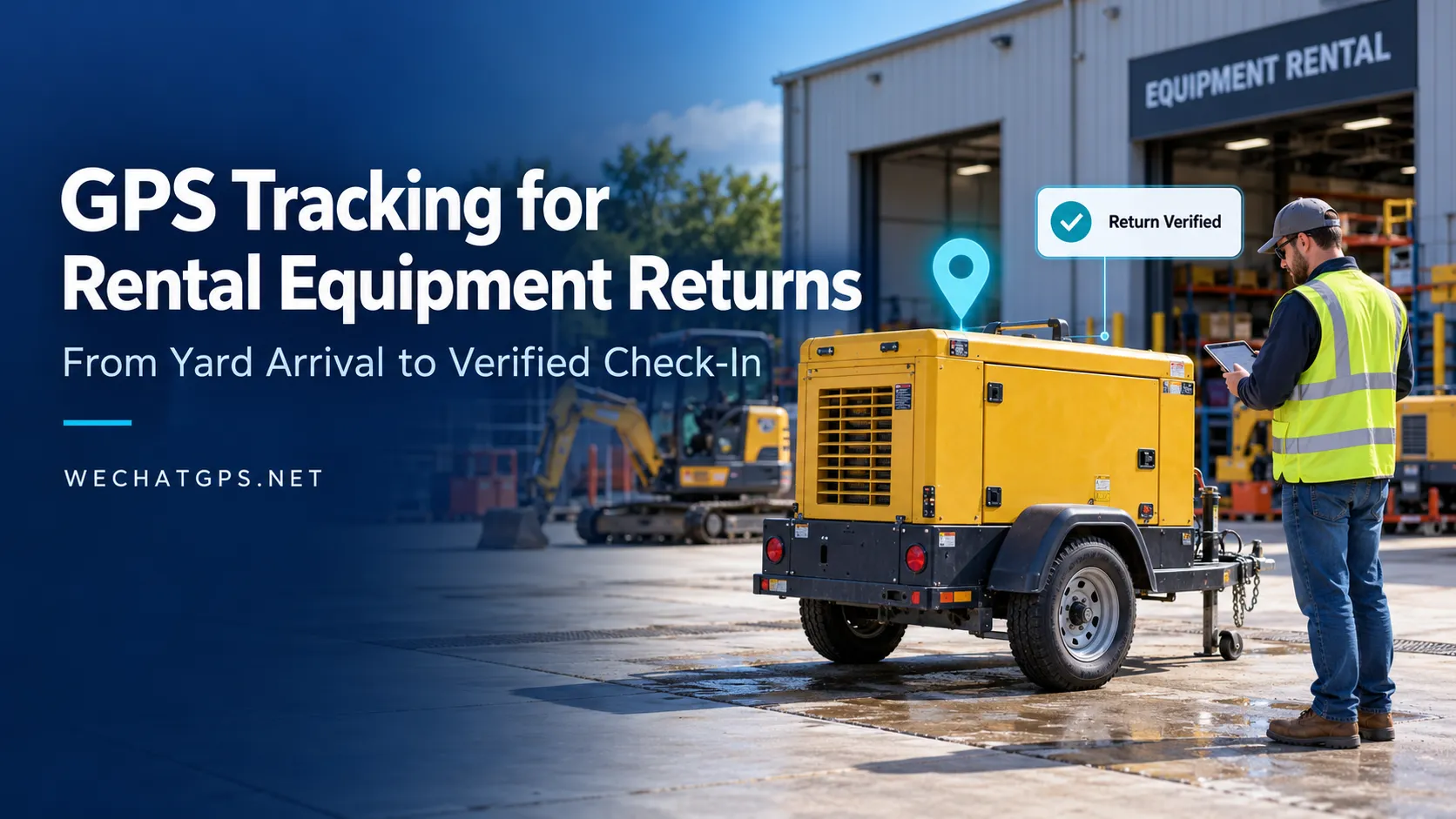
GPS Tracking for Rental Equipment Returns: From Yard Arrival to Verified Check-In
A customer says a rented generator has been returned. The tracking platform shows a location near the depot. However, the warehouse team has not inspected the equipment, and the rental system still lists it as unavailable.
Which record should the team trust?
GPS tracking for rental equipment returns can help connect transport activity with depot operations. To make it useful, businesses need a clear distinction between an asset arriving nearby, being physically received and becoming ready for its next rental.
A practical return workflow combines location evidence, correct asset identification and staff confirmation.
Why a GPS Location Alone Does Not Confirm a Return
A map marker answers a limited question: where did the tracker report its position at a particular time?
It does not independently confirm that the equipment was unloaded, inspected or accepted by the receiving team.
Several situations can create confusion:
- A delivery vehicle passes the depot without unloading.
- Equipment waits outside the entrance.
- A tracker is removed and returned separately.
- The platform displays an old location.
- Equipment arrives at a different company branch.
- An asset enters the yard but requires repairs before reuse.
Treat GPS arrival information as a prompt for receiving staff to investigate and complete the check-in process.
Build the Workflow Around Four Return Statuses
Instead of changing an asset directly from “on rent” to “available,” use separate operational statuses.
| Status | Evidence or action needed |
|---|---|
| Return expected | A collection or return has been scheduled |
| Arrival detected | A qualifying location report places the tracker within the receiving area |
| Return verified | Staff confirm the equipment identity and physical receipt |
| Ready for rental | Inspection, servicing and required preparation are complete |
These are suggested workflow states for the rental platform. Implementing them may require configuration or integration with the company’s existing software.
This structure gives each team a clear responsibility. Dispatch can monitor the journey, receiving staff can confirm delivery, and maintenance staff can release the equipment for reassignment.
Check Location Freshness Before Acting
A location inside the yard is useful only when its timestamp and context are clear.
The platform should distinguish between the time a location was recorded and the time the server received it. A delayed report uploaded after a network interruption should not be treated as evidence of a new arrival.
For return processing, display:
- Equipment number and assigned tracker ID.
- Location timestamp.
- Server receipt timestamp.
- Positioning method and validity, where available.
- Assigned receiving branch.
- Current return status.
Define an acceptable location age for the operation. A depot handling scheduled collections may need a different threshold from a business receiving equipment throughout the day.
If the available position is too old, label it clearly and ask staff to verify the asset through another method.
Use Depot Geofences as Arrival Triggers
A depot geofence can help identify equipment approaching or entering the receiving area. Its boundary should reflect the actual layout of the site.
A fence that includes a public road may capture passing vehicles. A very tight boundary can create inconsistent results when reported positions vary around the edge.
During setup, review:
- Entrance roads and unloading areas.
- Nearby public roads and neighboring premises.
- Covered storage areas.
- Separate inspection and maintenance zones.
- The tracker’s reporting interval during transport.
Where supported, evaluate a dwell requirement or repeated valid positions before generating an arrival task. Validate these rules at the actual site: longer confirmation periods may reduce unwanted notifications but also delay useful ones.
GPS-based arrival detection should remain an operational aid, particularly where buildings or covered yards affect positioning.
Keep the Tracker Bound to the Correct Asset
Return verification depends on the relationship between the tracker and the equipment.
Portable devices are convenient, but they can be moved between assets. If the platform assignment is not updated, a valid location may appear under the wrong equipment record.
Before dispatch, associate the device with the equipment’s permanent asset number. At return, have staff compare the physical identification with the platform record.
A receiving checklist can include:
- Scan or enter the equipment asset number.
- Confirm the assigned tracker ID.
- Record the receiving branch and staff member.
- Check that the device is still attached.
- Note missing accessories or visible damage.
- Record the inspection outcome.
If trackers are routinely reassigned, preserve assignment history with effective start and end times. This helps prevent earlier journeys from being attributed to a later rental.
Separate Arrival Time from Acceptance Time
Consider a hypothetical return:
At 14:08, a tracker reports a valid position inside the receiving area. At 14:17, staff unload and identify the equipment. At 14:35, inspection identifies a damaged connector.
The platform should preserve these as separate events:
| Time | Event | Suggested status |
|---|---|---|
| 14:08 | Location-based arrival detected | Awaiting receiving confirmation |
| 14:17 | Equipment physically received | Return verified |
| 14:35 | Inspection finds damage | Maintenance required |
The equipment has returned, but it is not ready for another customer.
Keeping these timestamps separate also helps staff investigate discrepancies between transport records and depot records. Any billing decision should follow the rental agreement and the company’s approved acceptance process.
Choose Tracking Hardware Around the Return Cycle
Hardware selection should account for how equipment is transported, stored and prepared between rentals.
A rechargeable tracker may suit equipment that regularly returns to a depot with an established charging routine. Permanently powered equipment may support a wired installation, while assets without accessible power require an independent power source.
WECHATGPS lists a rechargeable waterproof magnetic GPS tracker for vehicles and assets among its asset-tracking options.
For a return-verification project, confirm the selected configuration’s reporting behavior, mounting requirements and platform compatibility before deployment. A product category alone does not establish how quickly an arrival event will be available.
Include tracker inspection and charging, where needed, in the equipment preparation checklist.
Connect Location Events to Rental Software
A useful integration should create a task that staff can act on.
For example, a qualifying depot arrival could create an “awaiting return verification” item in the rental system. The receiving team then confirms the physical asset and completes the inspection record.
Suggested integration fields include:
- Asset ID and rental reference.
- Tracker ID.
- Assigned and detected depot.
- Location event time and receipt time.
- Return verification time.
- Inspection result.
- Staff confirmation.
- Exception reason.
Design the integration to handle delayed or repeated messages. An older location event should not overwrite a newer verified status, and repeated arrival reports should not create duplicate check-in tasks.
These functions should be specified and tested with the platform provider.
Test the Exceptions Before Expanding
A pilot should include more than a successful delivery.
Test a vehicle passing the entrance, equipment waiting outside, a return to the wrong branch and a tracker uploading delayed reports after connectivity returns. Also test an asset entering a covered warehouse and a device assigned to the wrong equipment.
Measure whether the workflow produces useful arrival tasks, how often staff must correct them and whether physical returns remain unverified in the system.
The objective is a dependable handover between tracking data and depot staff.
Plan Your Rental Return Tracking Project
Shenzhen Jinshengchang Technology Co., Ltd. provides GPS tracking products through WECHATGPS.
To discuss a rental return application, prepare your equipment types, deployment country, depot layout, typical rental duration, mounting conditions and software integration requirements.
Use the WECHATGPS contact page to request a suitable configuration and define a pilot covering arrival detection, receiving confirmation and preparation for the next rental.
Frequently Asked Questions
Can GPS automatically confirm that rental equipment has been returned?
GPS can support arrival detection. Physical receipt should also include equipment identification and staff confirmation, especially when the tracker can be removed or reassigned.
Can one system manage returns across several branches?
A suitable platform can be designed to associate assets with multiple depot boundaries. It should distinguish the expected receiving branch from the branch where arrival is detected.
What happens if the tracker reports after the equipment has already arrived?
Use the original event timestamp and the server receipt timestamp to identify delayed data. Preserve the staff-confirmed receiving record separately.
Does entering the depot mean equipment is available for rental?
No. Availability should follow the required inspection, maintenance, charging and preparation steps.