A GPS tracking project does not end when the devices leave the factory. During daily operation, customers may need changes to reporting behavior, alarm logic, sensor processing or platform compatibility.
When trackers are already installed on vehicles, attached to equipment or distributed across a large pasture, collecting every device for maintenance can become expensive.
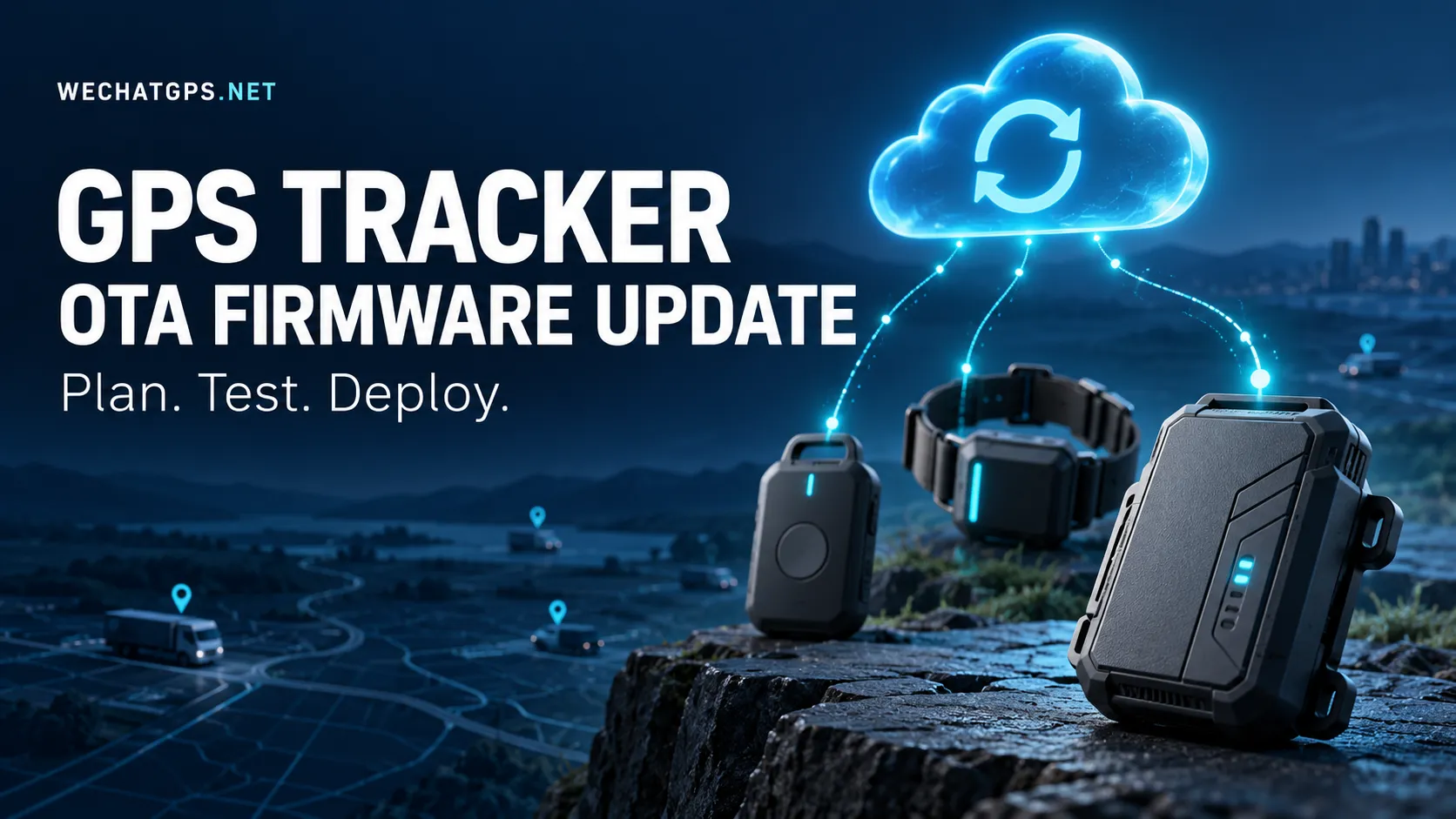
A GPS tracker OTA firmware update provides a way to deliver firmware remotely through a supported communication connection. However, buyers should look beyond a simple “OTA supported” statement. The useful question is whether the update process has been designed and tested for the conditions in which their devices will operate.
This guide outlines the requirements to discuss with a manufacturer before deployment.
1. Define What Can Actually Be Updated
Start by asking the supplier to identify the software components covered by remote maintenance.
A tracking device may contain an application processor, a cellular modem, a GNSS receiver and additional controllers. An update mechanism for one component does not automatically cover the others.
Ask for a clear support matrix:
| Component or setting | Question to ask |
|---|---|
| Main application firmware | Can the tracking application be updated remotely? |
| Cellular modem firmware | Is modem updating supported through a separate process? |
| GNSS receiver firmware | Is updating supported or required for this product? |
| Device configuration | Which settings can be changed without replacing firmware? |
| Bootloader | Is remote updating supported, and what recovery method exists? |
| Platform integration | Which server versions are compatible with each release? |
Also distinguish a firmware update from a configuration command. Changing an existing reporting interval may only require a parameter adjustment. Introducing new device behavior may require different firmware.
Keeping these operations separate makes maintenance easier to plan and audit.
2. Match the Update Package to the Hardware
Devices sold under one product name may have different hardware revisions. A production change could introduce a new sensor, different flash memory or another modem variant.
For an OEM project, request that every update package be associated with an explicit compatibility record.
That record should identify:
- Supported product models and hardware revisions.
- Supported starting firmware versions.
- Required bootloader version, where applicable.
- Configuration migration requirements.
- Target firmware version.
- Package identifier and release notes.
The platform should help operators select compatible devices. The device should also check compatibility before installation.
Do not rely only on an operator remembering which production batch received which components.
3. Specify Recovery Before Discussing Update Speed
A resilient application-update design can place a new image in an inactive firmware slot, verify it and then select it for the next boot. Where supported and enabled, rollback can restore an eligible working application if the new one fails its startup checks.
These capabilities depend on the processor, bootloader, memory layout and implementation. They are not automatic features of every GPS tracker. Bootloader and partition-table updates may also carry different recovery risks from application updates.
Ask the manufacturer to demonstrate recovery rather than describe it only in a specification sheet.
A practical demonstration should include an interrupted download, an unexpected restart and a firmware image that fails its startup checks. Agree on what the device should do in each case and how the platform will report the result.
4. Establish Battery and Operating Conditions
For a battery-powered tracker, define when an update may begin and when it must be deferred.
Avoid choosing an arbitrary battery percentage for every product. Ask the engineering team to establish readiness criteria from measurements on the actual hardware.
The project specification should answer:
- Must external power be connected?
- What battery condition is required?
- Can downloading pause between scheduled wake periods?
- What happens if the available energy becomes insufficient?
- How many retries are allowed?
- When should the device return to its normal reporting schedule?
Operating conditions matter as well. For personnel badges, livestock collars or other devices with important alarm functions, agree on a maintenance window and document any temporary interruption to monitoring.
5. Confirm the Firmware Delivery Route
Ask the supplier to identify the communication path used for firmware delivery.
For a cellular tracker, confirm the expected package size, connectivity requirements and behavior when the connection drops. For other communication technologies, request a separate feasibility assessment instead of assuming that routine location reporting proves firmware delivery is practical.
Useful questions include:
| Planning item | Information to request |
|---|---|
| Delivery connection | Which network or local interface carries the firmware? |
| Package size | What is the typical and maximum supported image size? |
| Interrupted transfer | Does the transfer resume or restart? |
| Retry policy | What limits prevent repeated unsuccessful attempts? |
| Maintenance time | What duration was measured under representative conditions? |
| Service cost | What traffic and network charges should be budgeted? |
Record the answers for each product variant.
6. Define Security and Administrative Responsibility
Include update security in the project requirements from the beginning.
Request an explanation of how the device verifies that a firmware package comes from an authorized publisher. Signed-image verification is an available mechanism in some embedded update systems, but its use must be confirmed for the selected hardware and firmware.
For the management platform, specify who can upload a release, approve it and assign devices to a campaign.
The operating procedure should also define responsibility for release approval, signing-key management, incident handling and maintenance after the warranty period.
For OEM customers, these responsibilities should be documented before production begins.
7. Use a Representative Pilot Group
Treat the first deployment as a controlled field test.
Select pilot devices that represent the conditions of the larger fleet: different hardware batches, operating profiles, installation locations and network environments.
An illustrative rollout sequence is:
- Validate the release on engineering units.
- Test it on a small internal fleet.
- Deploy to a representative customer pilot group.
- Review results against agreed acceptance criteria.
- Expand in controlled batches.
Do not approve expansion solely because every device reports a new version number.
Compare location-report delivery, alarm behavior, unexpected restarts and energy use with the previous release. Choose an observation period long enough to include the product’s normal operating cycle.
8. Make Update Status Useful to Operators
A progress bar alone is insufficient for fleet maintenance.
Request distinct statuses for devices that are waiting, downloading, validating, installing, running the new release or requiring attention. A deferred device should not be confused with a failed installation.
For each device, retain a maintenance record containing its hardware revision, previous version, target version, campaign identifier, timestamps and outcome.
Where an update fails, ask for a meaningful reason rather than a generic error. Operators need to know whether to wait for connectivity, restore power, correct package selection or arrange physical servicing.
9. Agree on Acceptance Tests Before Ordering
Include OTA verification in sample acceptance.
| Test scenario | Acceptance question |
|---|---|
| Connection lost during download | Can the device recover according to the agreed transfer policy? |
| Power interrupted | Does the device return to a documented working or recovery state? |
| Incompatible package assigned | Is installation rejected? |
| New firmware fails validation | Is the defined recovery procedure triggered? |
| Device misses the campaign window | Can it be handled later without disrupting other devices? |
| Update completes | Are required settings and normal tracking functions preserved? |
Testing these cases early helps establish what can be maintained remotely and what still requires access to the device.
Plan Remote Maintenance as Part of the Product
OTA requirements belong in the initial product specification alongside positioning, communication, battery life and enclosure design.
For a custom GPS tracker development project, provide the expected device quantity, deployment locations, maintenance access, reporting schedule and service-life target.
Ask the manufacturer to return a documented update architecture, compatibility matrix, recovery procedure and acceptance plan. This gives your team a practical basis for managing the devices throughout their service life.